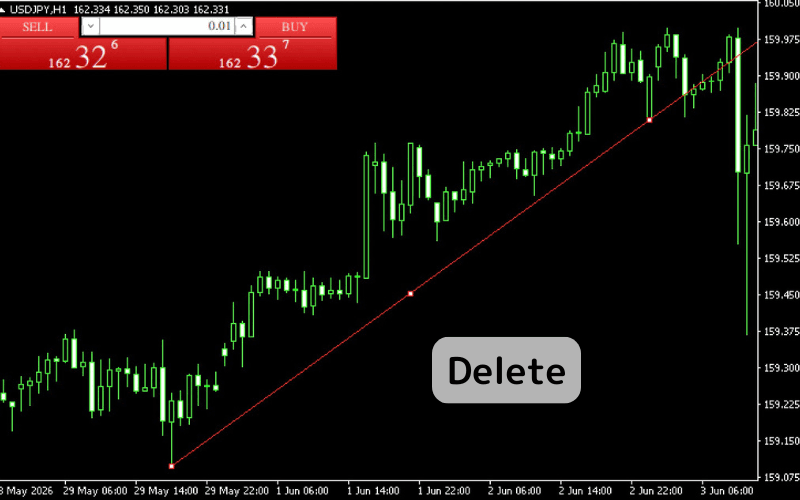

How to Delete Trendlines on MT4 (Mac)
How to Delete a Trendline
You can delete any unnecessary trendlines. Here, we'll guide you through the basic methods for deleting a trendline.
Method 1: Delete from the Chart
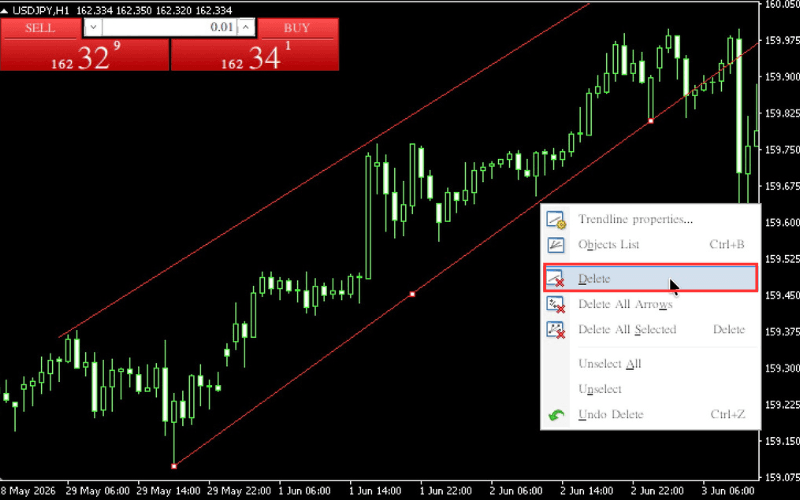
Select the trendline you want to delete on the chart, right-click on it, and choose "Delete".
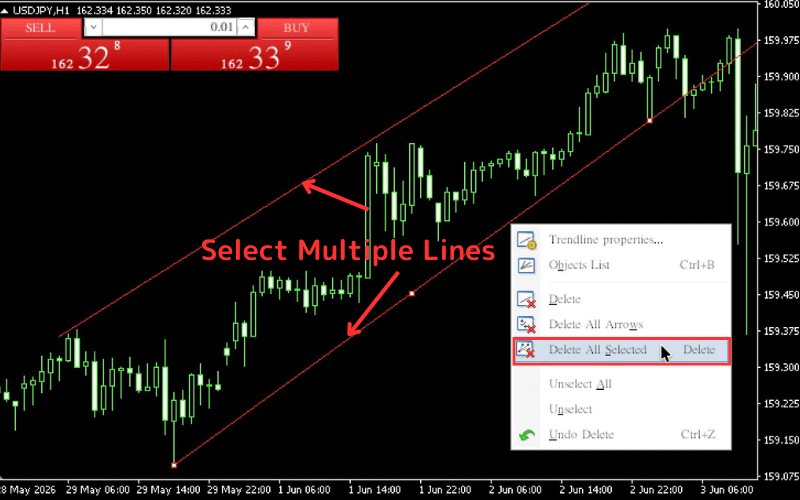
Select multiple lines, right-click on one of them, and choose "Delete All Selected" to delete multiple lines at once.
Method 2: Delete from the Objects List
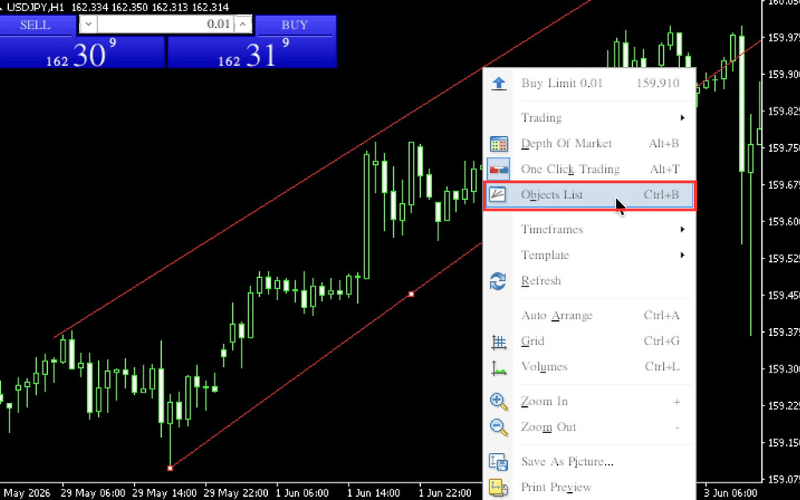
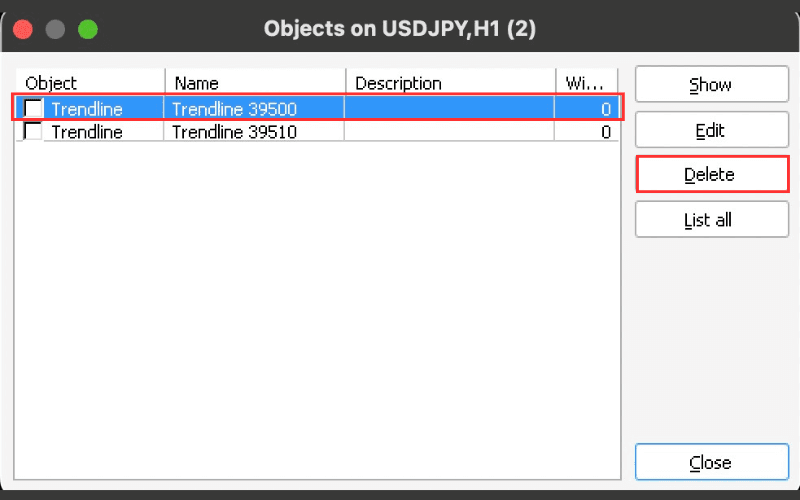
Right-click on the chart and select "Objects List" from the menu (shortcut: Ctrl+B).
Select the line you want to delete from the displayed list, then click the "Delete" button on the right to remove the trendline.
Method 3: Use the Delete Key (For Recently Drawn Lines)
For recently drawn lines, you can delete them by pressing the Delete key on your keyboard.