

How to use MT5/MT4
Installation and Login for MT4 (Android)
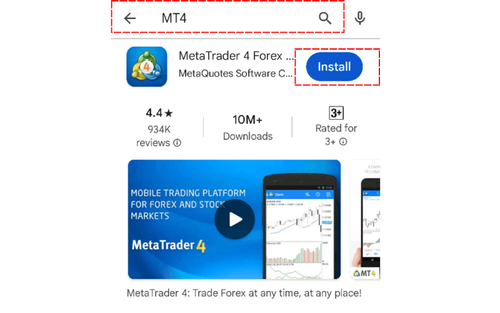
MT4 (Android) Installation and Login Instructions
MT4 (Android Version) Installation and Login Instructions
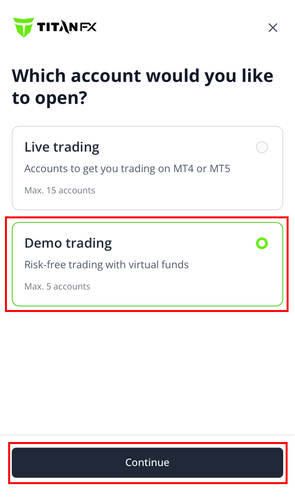
How to Create a Demo Account on MT4 (Android Version)
This guide explains how to create a Titan FX demo account in MT4 (Android) and the demo account expiration period.
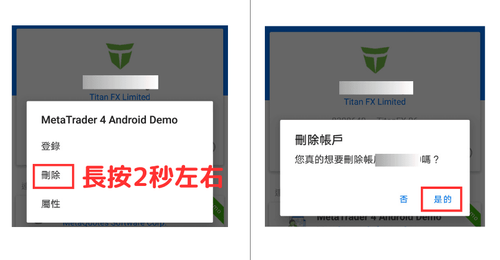
How to Log Out / Delete an Account on MT4 Android
This article explains in detail how to log out of or delete an account on MT4 (MetaTrader 4) for Android. To delete an account you are not logged into, press and hold the screen for about 2 seconds; a Delete button will appear—tap "Delete" and then "Yes" to complete the process.
How to Use for MT4 (Android)
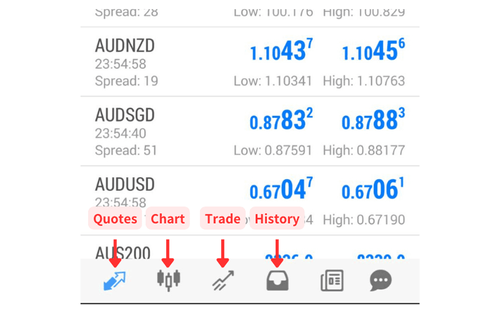
Overview of MT4 (Android)
This guide gives an overview of the MT5 (Android Version) structure. The app's functions are mainly accessed by switching screens using the bottom menu.
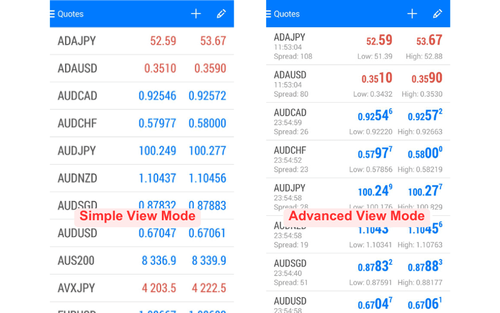
How to Set Up Quote Display on MT4 (Android)
This guide explains how to switch display modes and set up symbols for the quote display on MT4 (Android Version).
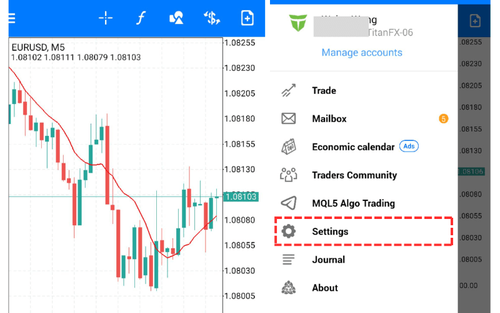
Basic Chart Settings for MT4 (Android)
This guide explains how to change chart types, timeframes, and symbols on MT5 (Android Version), as well as how to display indicators.
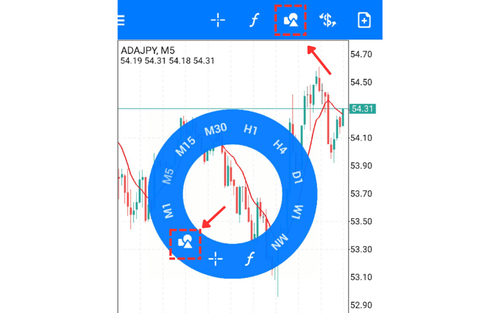
How to Draw Lines and Objects on MT4 (Android)
This guide explains how to draw objects like trend lines on MT4 (Android Version) charts, as well as how to modify and delete drawn objects.
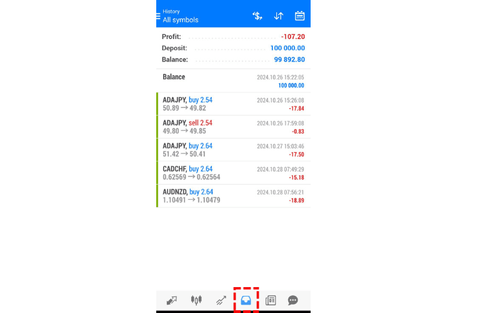
Trade History on MT4 (Android)
This guide explains how to view the trade history on MT5 (Android Version). It includes instructions on how to change the display method and period.
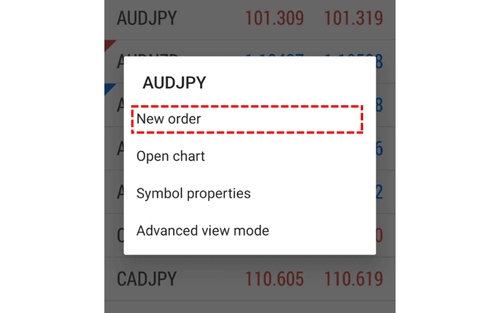
Placing Market, Limit, and Stop Orders on MT4 (Android)
This guide explains how to place new market orders, as well as new limit and stop orders, from the MT4 (Android Version) order screen.
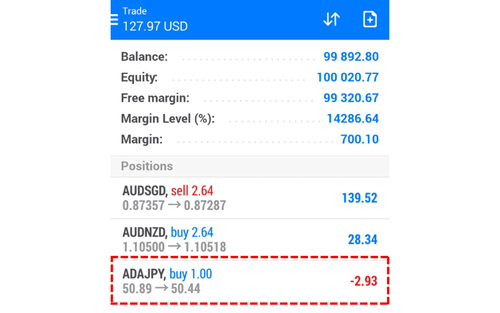
Modify and Close Positions on MT4 (Android) Trade Screen
This guide explains how to add or modify closing orders for open positions and how to close open positions from the MT4 (Android Version) trade screen.
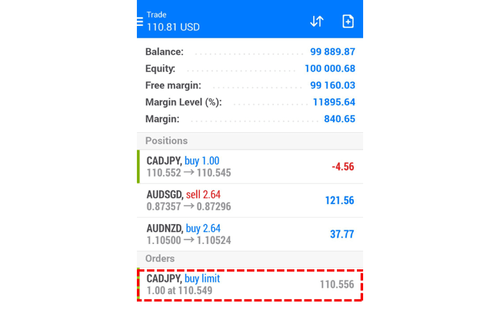
How to Modify or Cancel a Pending Order on MT4 Android
This guide explains how to modify or cancel pending orders (new limit/stop orders) from the MT4 (Android) trading screen.
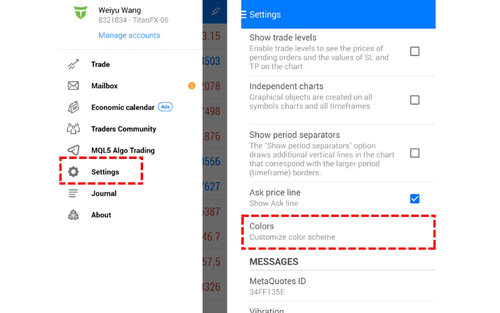
Chart Color Settings on MT4 (Android)
This guide explains how to customize chart colors on MT4 (Android). You can create your own unique chart.
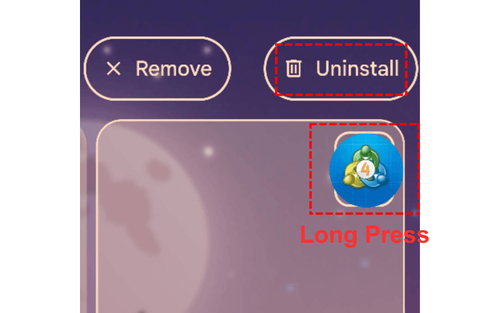
How to Uninstall MT4 (Android)
This guide explains how to uninstall MT4 (Android). If the app experiences issues, uninstalling and reinstalling it can often resolve the problems.
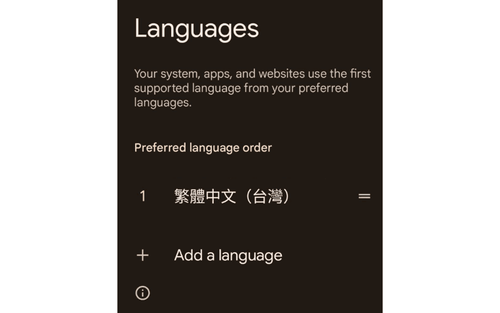
How to Change Language Settings on MT4 (Android)
In MT4 (Android), you cannot change the language settings directly within the app.
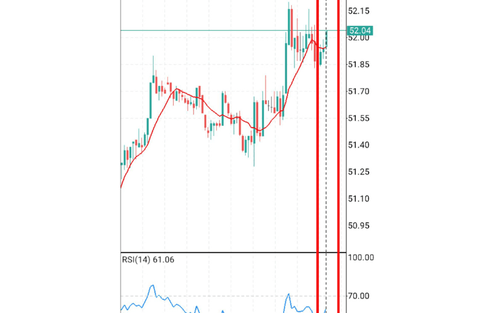
How to Adjust Space on the Right Side of Charts in MT4 (Android)
This guide explains how to adjust the space on the right side of charts in MT4 (Android).
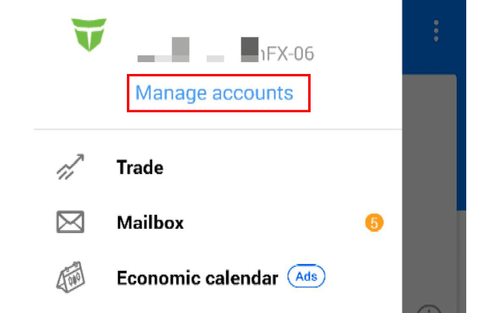
How to Switch Accounts on MT4 (Android)
This guide explains how to switch accounts on MT4 (Android).