How to Switch Accounts on MT4 (Android)
In the Android version of MT4, you can register multiple accounts and easily switch between them.
How to Add an Account
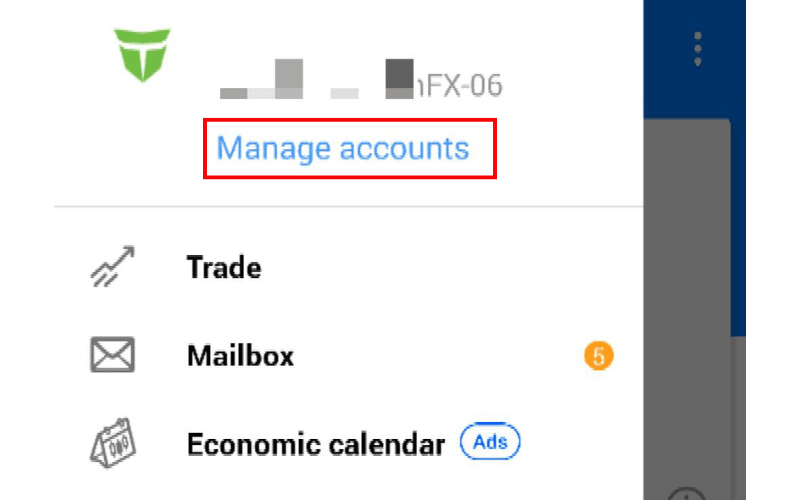
To add an account, tap "Manage accounts" from the menu at the top left of the screen.
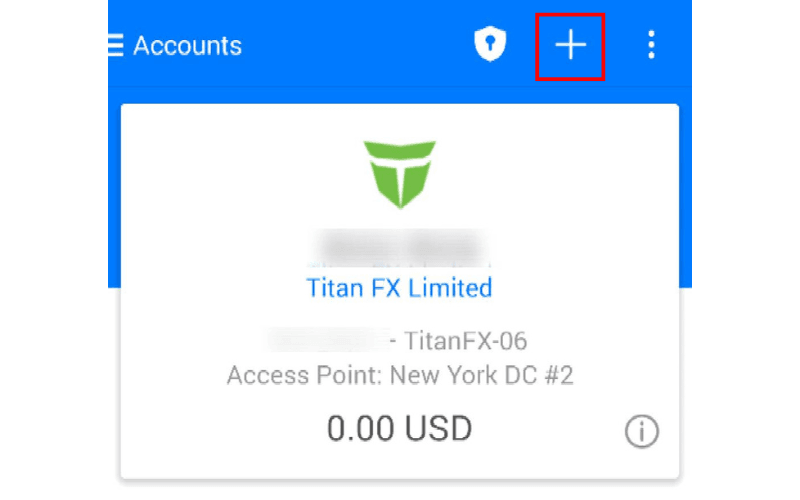
Tap the "+" icon at the top of the screen.
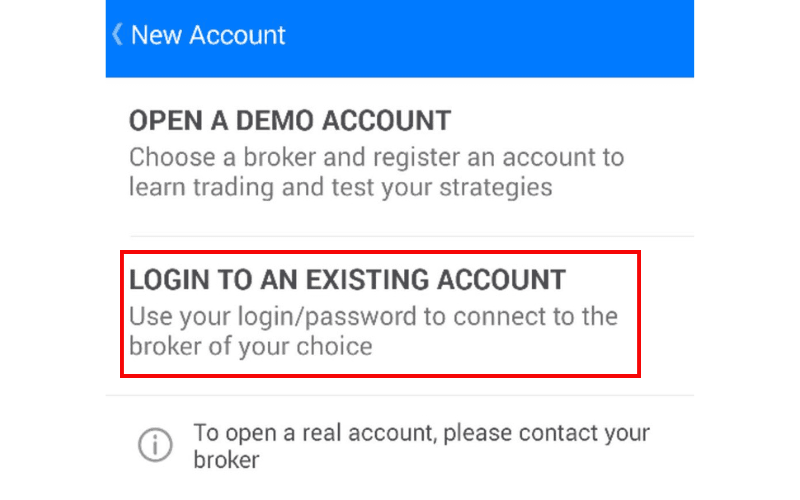
Next, tap "Login to an existing account."
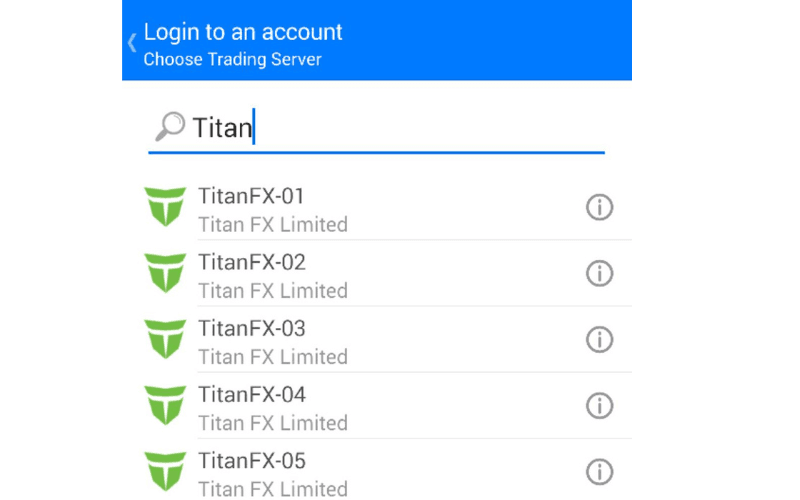
In the "Search broker" field, type "Titan" and select the appropriate server from the list.
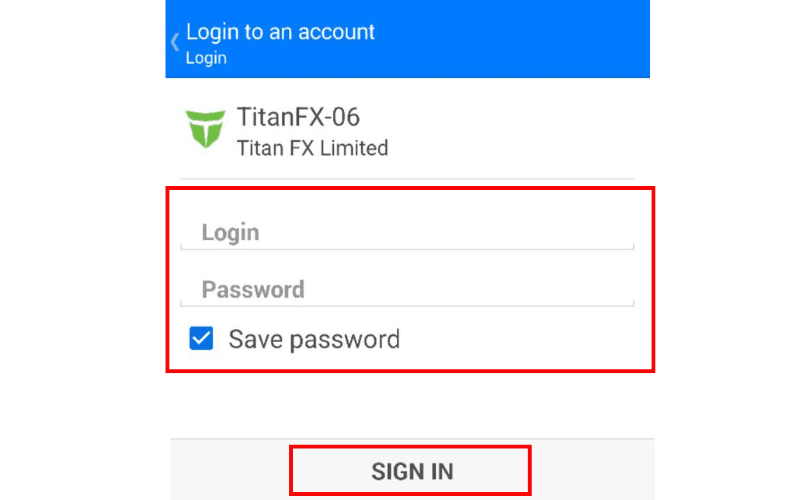
Enter the "Login ID" and "Password" for the account you want to add, check "Save password," and tap "SIGN IN" to register the account.
How to Switch Accounts
Tap "Manage accounts" from the menu at the top left of the screen.
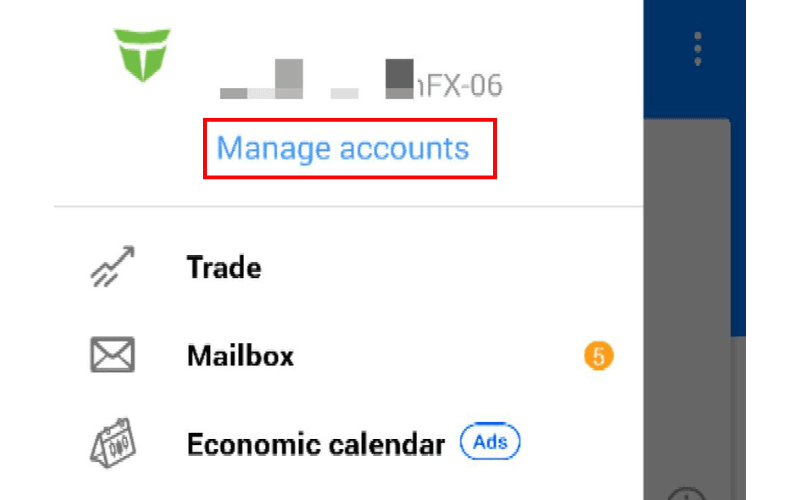
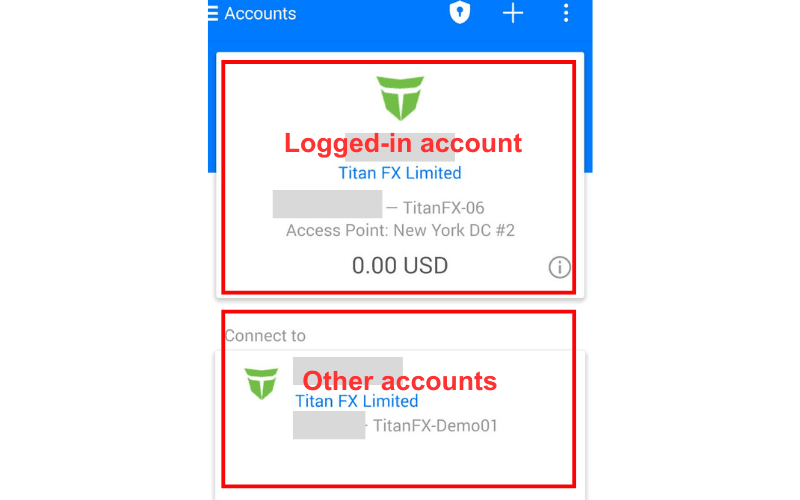
Your currently logged-in account will appear at the top, with other accounts listed below. Tap the account you want to switch to.