

An indicator that signals a rebound after reaching a moving average line (Titan_RepulsionSign)
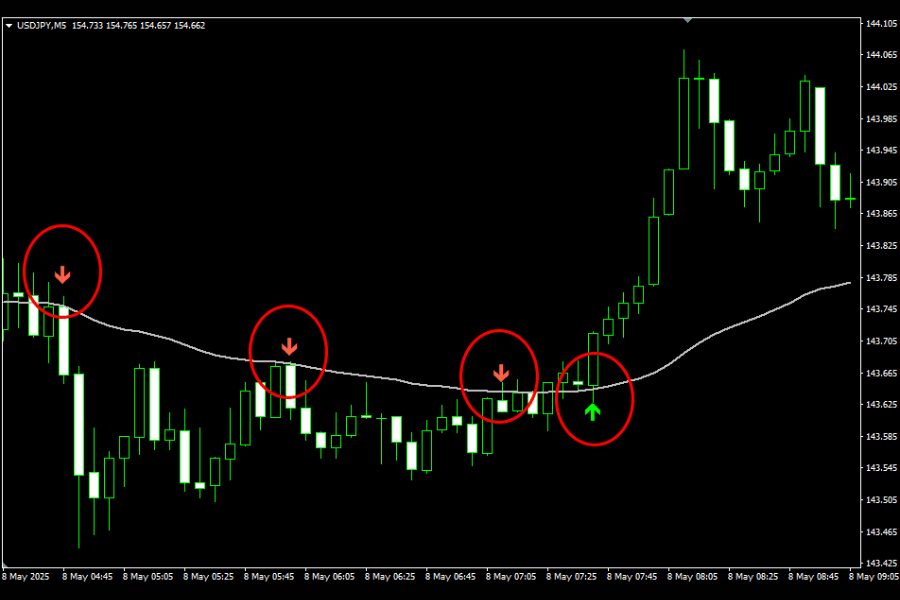
Indicator Overview
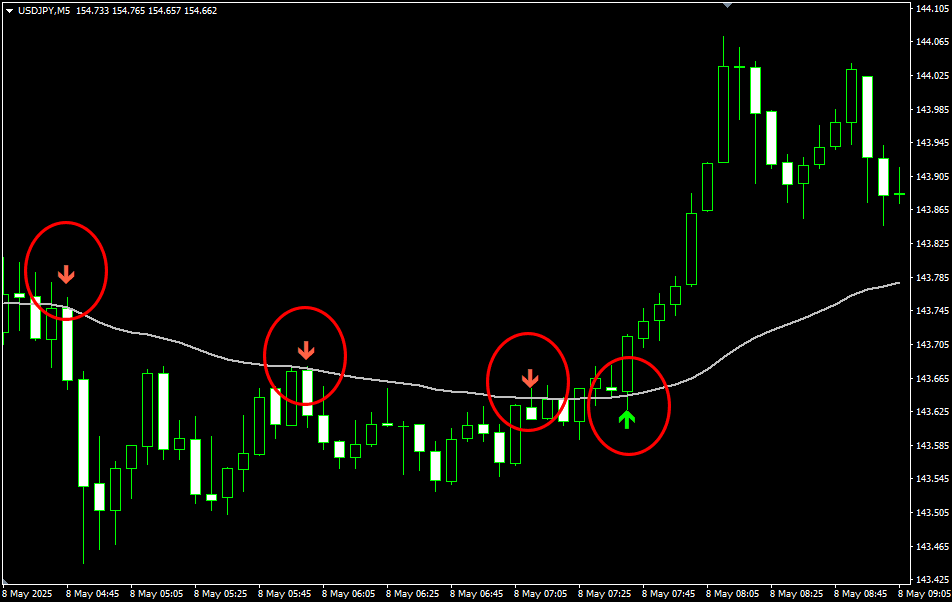
This indicator visually displays rebounds from "pullbacks" near the moving average (MA) using arrows on the chart.
In a trending market, price rarely moves in a straight line in one direction.
Temporary corrections often occur during trends, where the price pulls back near the moving average, then resumes movement in the trend direction.
This indicator captures such classic rebound patterns using the 20-period Exponential Moving Average (EMA), a commonly used setting among traders.
Specifically, it determines the current trend direction based on the position of the price relative to the moving average. When the price approaches or touches the MA and then confirms a reversal in the trend direction, an arrow signal is displayed.
Because it is based on simple logic—trend direction, pullback to the MA, and confirmation of rebound—it is easy to understand, even for beginners, and practical to use on real charts.
【Example Display of the Indicator】
※This indicator works only on the Windows versions of MT5 and MT4 provided by TitanFX.
Indicator Terms of Use
Only those who agree to all the following items may use the indicators distributed on this website (https://research.titanfx.com):
1.The indicators and related descriptions are based on various data believed to be reliable, but their accuracy and completeness are not guaranteed.
2.The data displayed by the indicators do not guarantee your investment results. Also, the displayed content may vary due to market conditions and communication environments.
3.Please make investment decisions using indicators at your own risk. We are not responsible for any disadvantages or damages arising from the use of indicators.
4.Specifications of the indicators are subject to change without notice. Changes will be announced on the indicator description pages, etc.
5.Indicators should only be used by customers who have downloaded them. Transferring or selling the indicators to third parties is prohibited.
Indicator Settings
Input Tab (for MT5) / Parameter Input Tab (for MT4)
| Variable Name | Description | Default |
|---|---|---|
| Sensitivity Level | Adjusts the frequency of signal generation. You can choose from Normal, Low, or High. | Normal |
| Display | Specifies whether to show the arrow signals, the moving average, or both. Selecting "Both" will display both elements. | Both |
| Alert on Signal | Specifies whether to trigger an alert when a signal appears. Selecting "true" enables alerts; selecting "false" disables them. | true |
Color Tab (for MT5) / Color Settings Tab (for MT4)
| Variable Name | Description | Default |
|---|---|---|
| 0 | Sets the color of the upward arrow. | Aqua |
| 1 | Sets the color of the downward arrow. | Tomato |
| 2 | Sets the color of the EMA line. | Silver |