
How to Close a Position on MT4 Android
Closing a position (settling an order) on MT4 (MetaTrader 4) for Android is very simple and can be done quickly from the "Trade" screen.
This article explains how to fully close or partially close an open position on MT4 for Android.
How to Close a Position from the Trade Screen
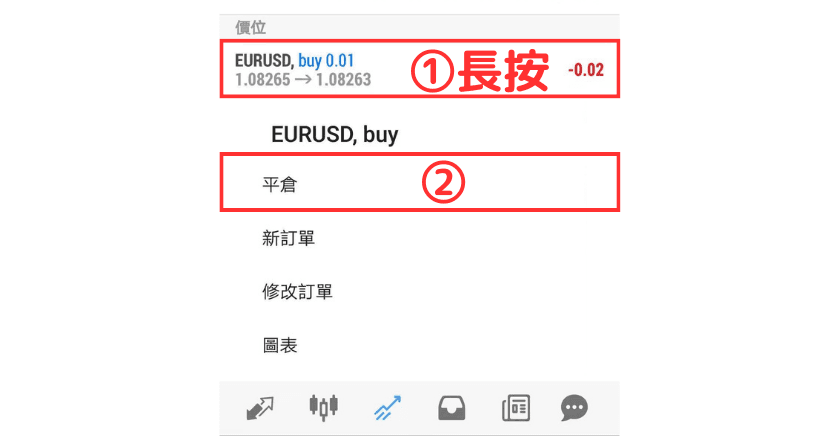
① On the Trade screen, press and hold the position you want to close.
② Select "Close Order" from the menu.
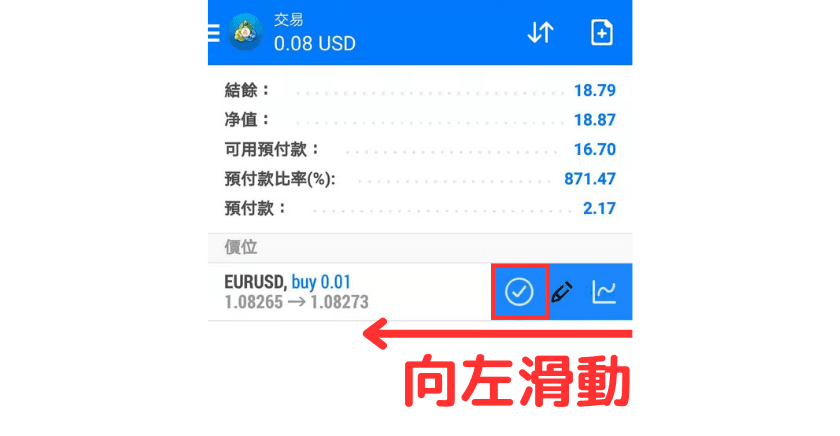
Alternatively, swipe left and tap the first icon.
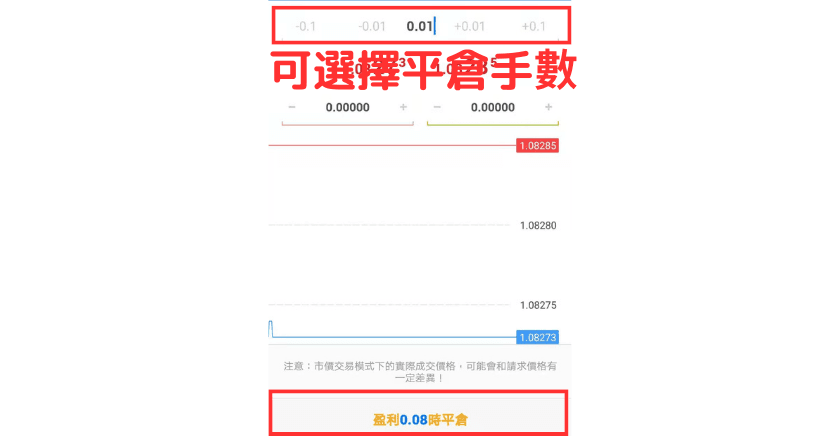
③ Tap the "Close with Profit ○○" button to complete the close.
You can also set the number of lots you want to close at the top to perform a partial close.