How to Save Chart Images in MT5 (Mac)
In MT5, you can save images of your charts. This guide explains how to save chart images in MT5 (Mac). There are two ways to save them: uploading to the MQL5 community server, or downloading to your computer.
How to Save a Chart Image
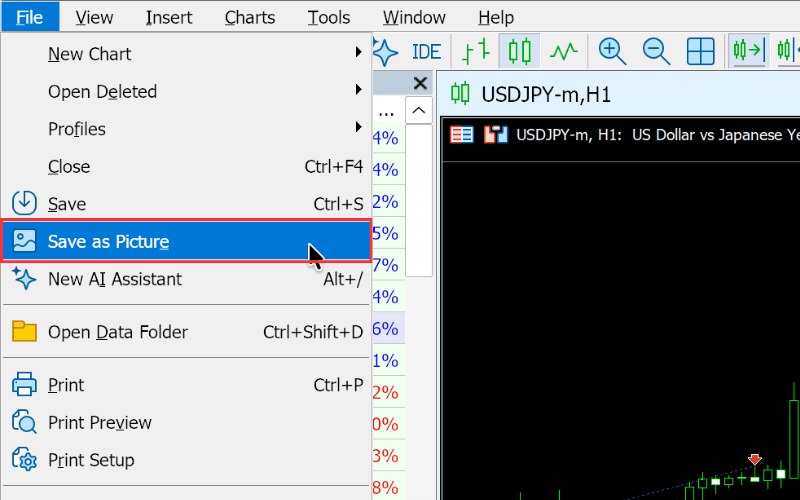
Select the chart you want to save, then choose "Save as Picture" from the "File" menu; or right-click on the chart you want to save and select "Save as Picture".
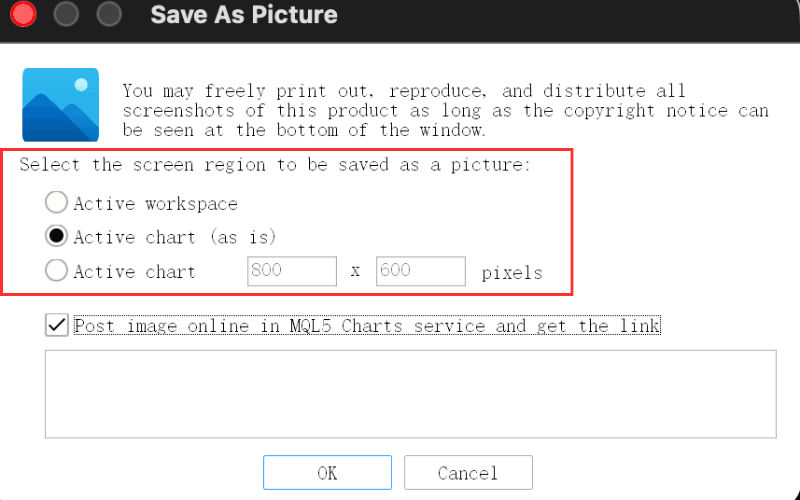
In the window that appears, choose the image range to save from the following three options:
- "Active workspace": saves an image of your current computer screen.
- "Active chart (as is)": saves an image of the currently displayed part of the chart.
- "Active chart": saves the chart image at a pixel size you specify.
If you check "Post image online in MQL5 Charts service and get the link", the image is saved to the MQL5 community server and you get a URL to display it (an MQL5 community account is required to manage your image gallery). If you leave it unchecked, the image is saved directly to a location you specify on your computer.
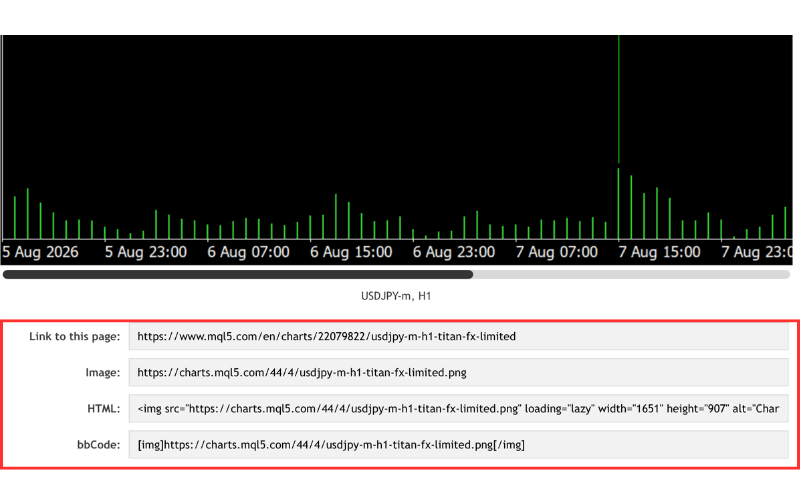
If you chose to upload to the MQL5 Charts service, you will be taken to the MQL5 community page, where you can copy the URL in the format you need to use the image.
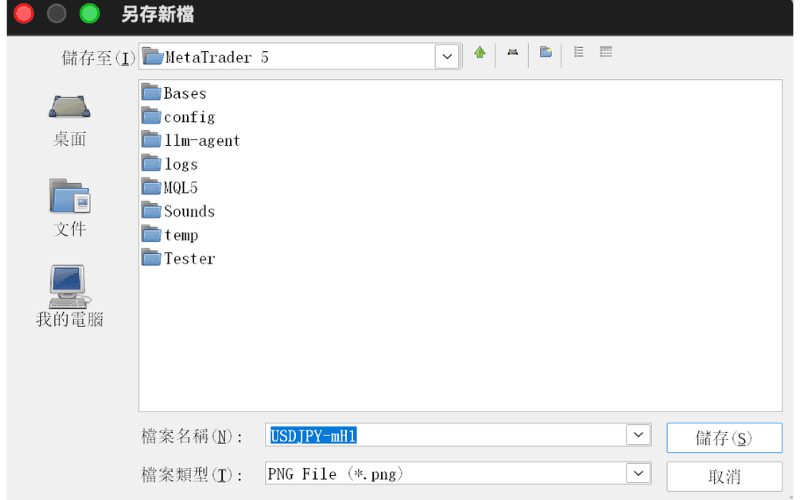
To save the image to your computer, specify the save location in the "Save" window that appears.