

Titan FX Bitwallet Withdrawal Guide
This article will provide a detailed guide on how Titan FX users residing in Japan can withdraw Japanese yen via Bitwallet.
Bitwallet Withdrawal Process
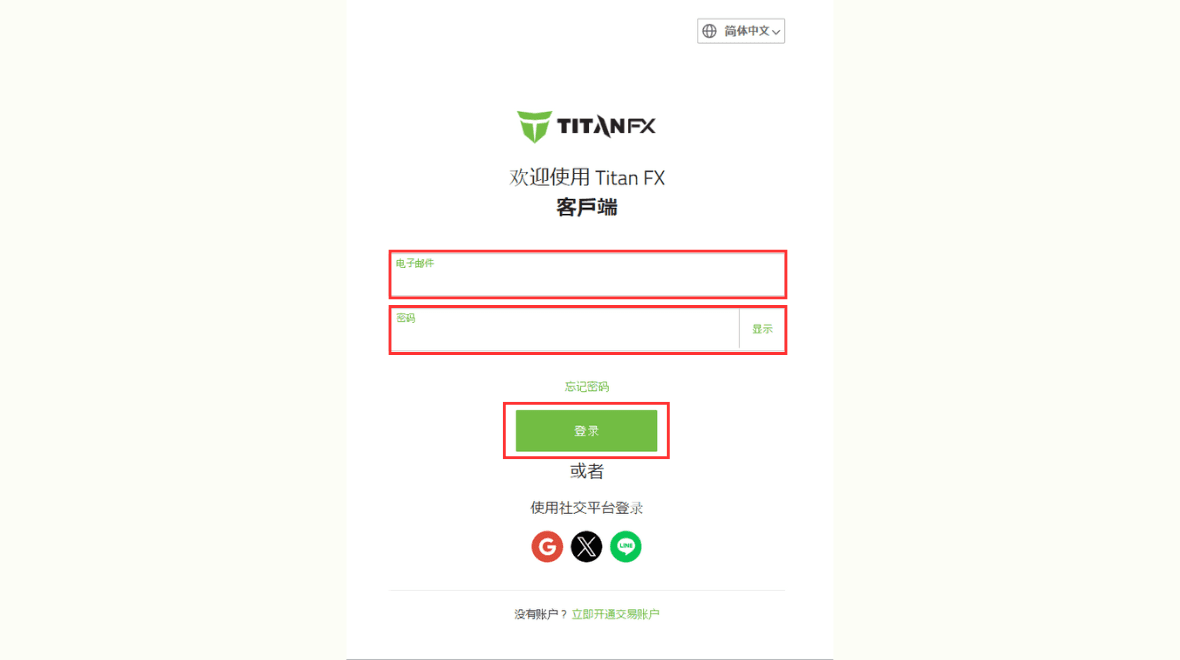
Step 1: Log in to the Client
Open your browser and visit the Titan FX official client page, then enter your registered email address and login password.
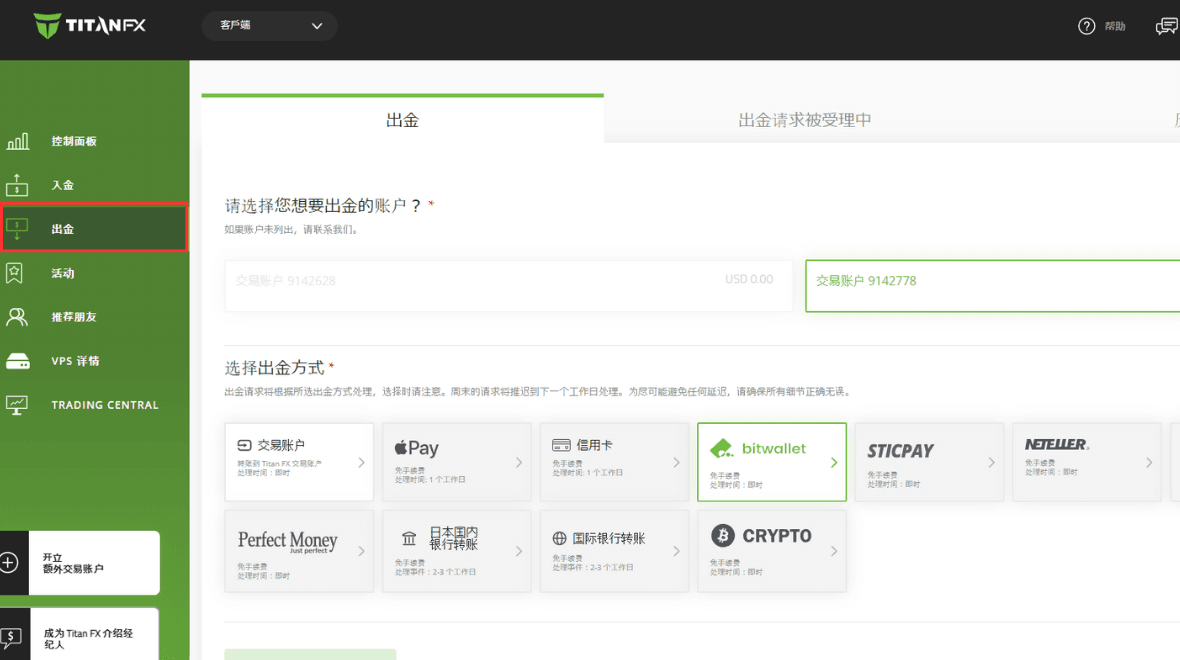
Step 2: Select Withdrawals
Click on the "Withdraw" option in the left-hand menu of the client.
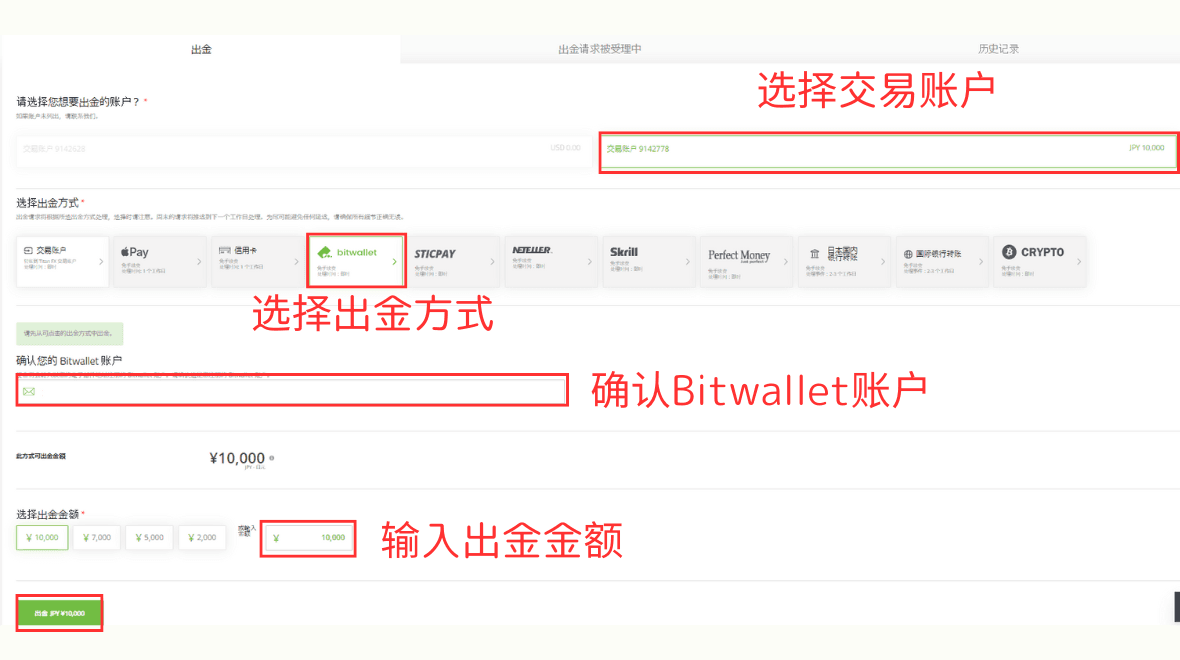
Step 3: Choose Withdrawal Method, Enter Amount
On the withdrawal page, first select the account you want to withdraw from, then choose "Bitwallet" as the withdrawal method. Confirm the Bitwallet account email, enter the withdrawal amount, and click "Withdraw."
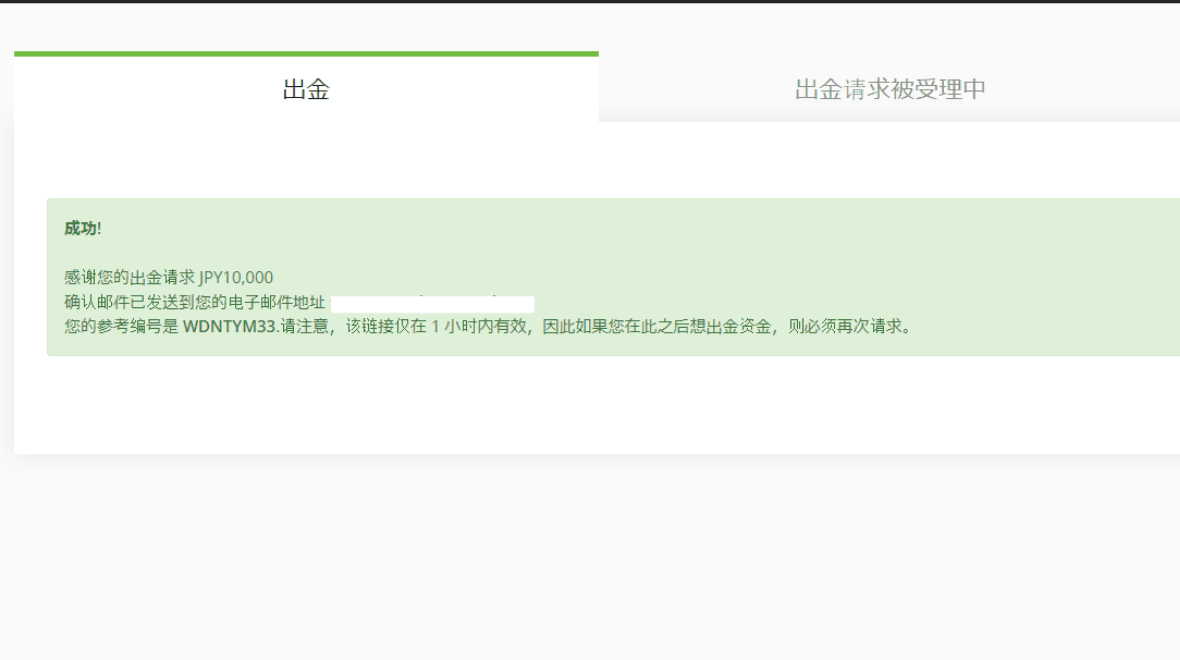
After clicking "Withdraw," a prompt will appear notifying you that a confirmation email has been sent to your registered email address.
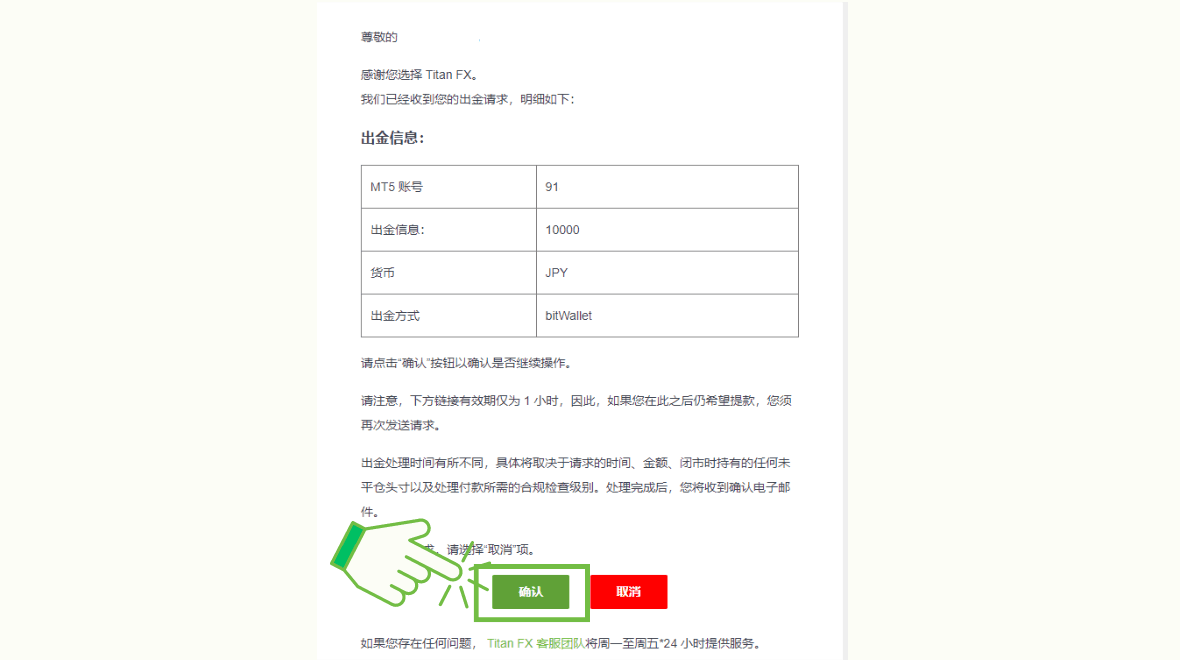
Check your email and click "Confirm" in the email.
The link in the email is valid for only 1 hour, so you should click "Confirm" or "Cancel" as soon as possible.
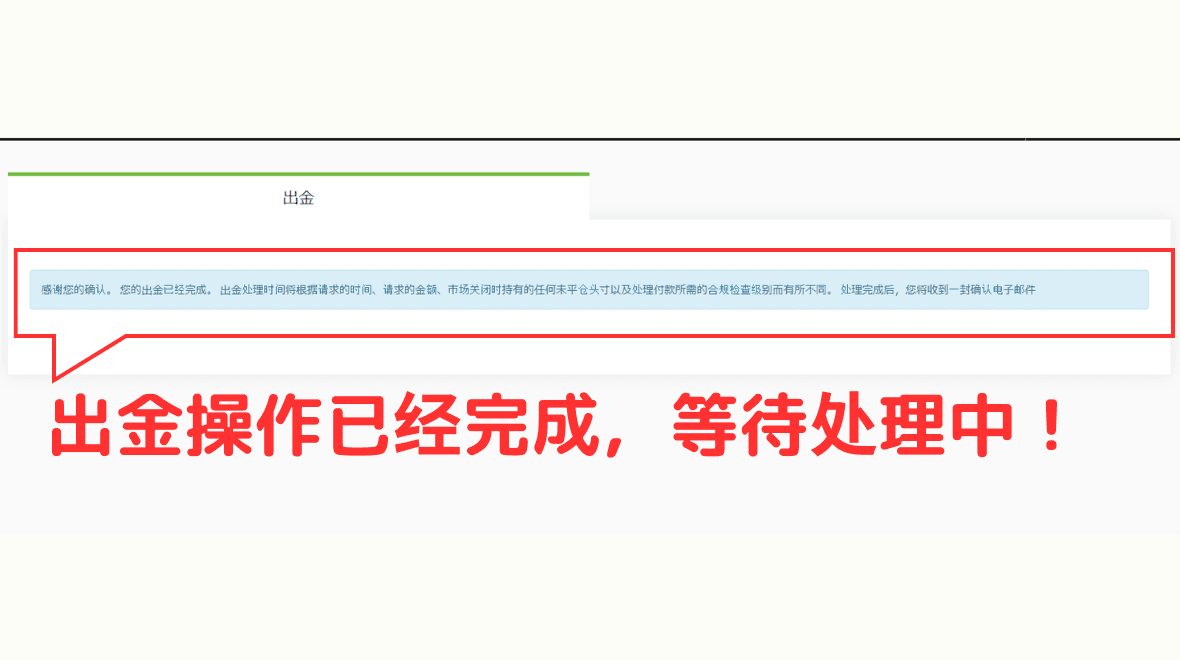
After clicking "Confirm," a notification will appear in the client indicating that the withdrawal process is complete.
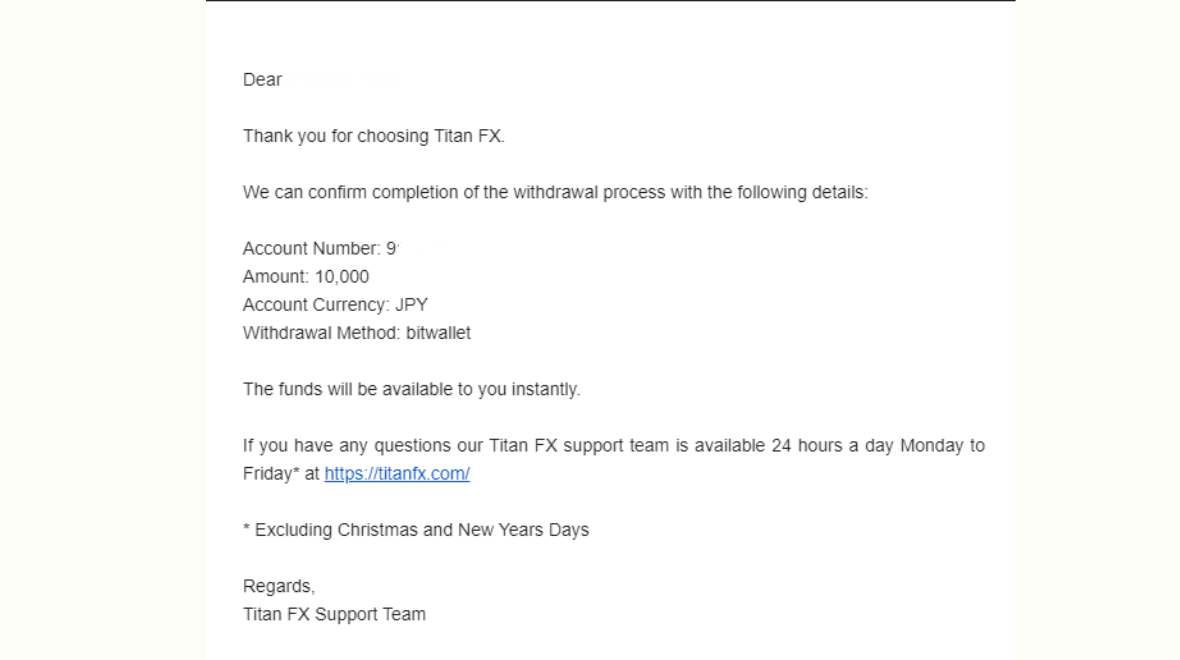
You will also receive an email notifying you that the withdrawal is being processed.
Confirm Receipt
Withdrawals are usually processed on the same day.
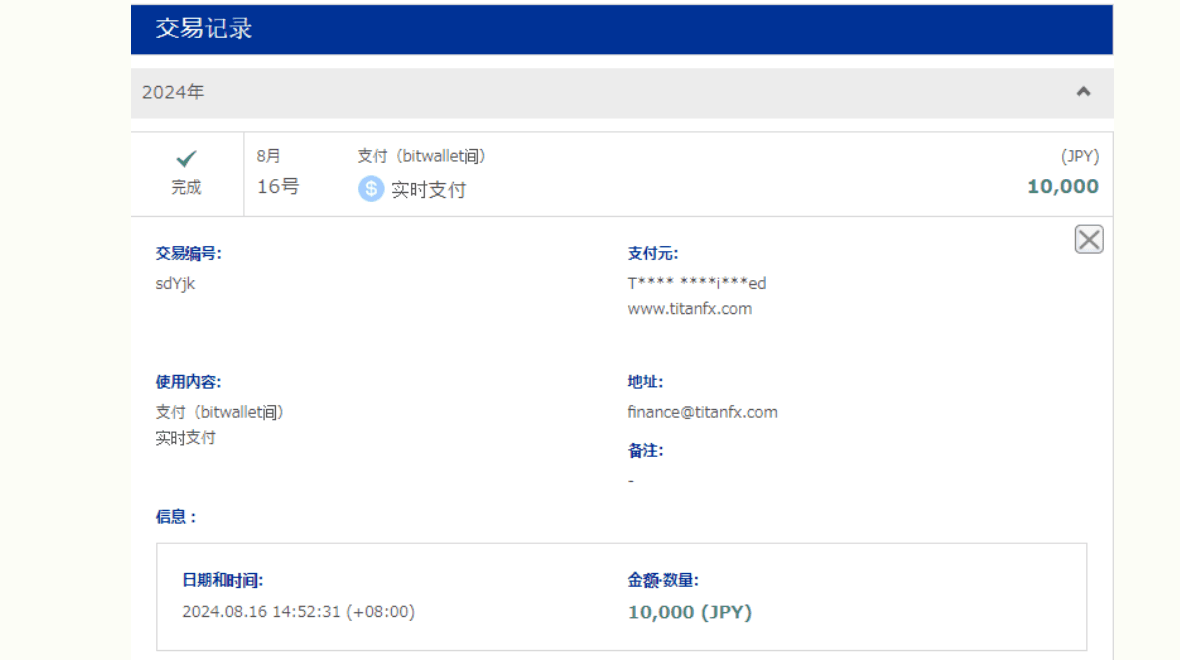
In the client, you can also check the "Withdrawal - History" section to see the completed withdrawal record.
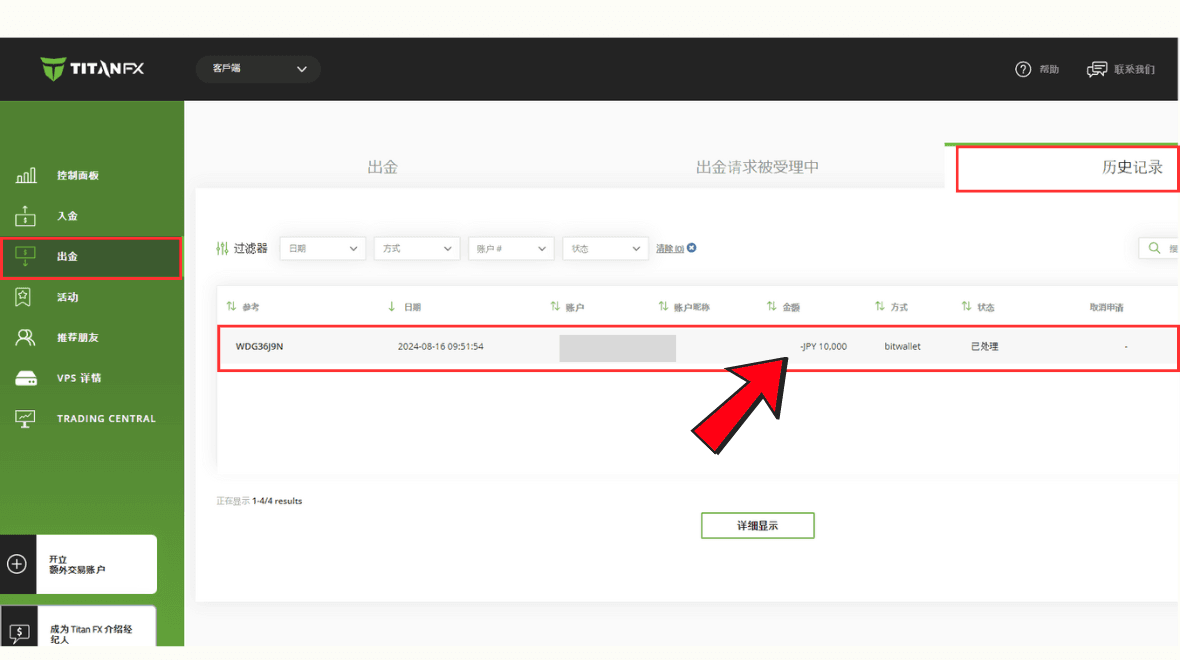
The above is the complete process for withdrawing via Bitwallet.