

How to Add a New MT4 Trading Account (Windows)
If you want to add a new MT4 trading account, you can do so from the TitanFX Client Portal. This article explains in detail how to add a TitanFX MT4 trading account.
How to Add a New MT4 Trading Account
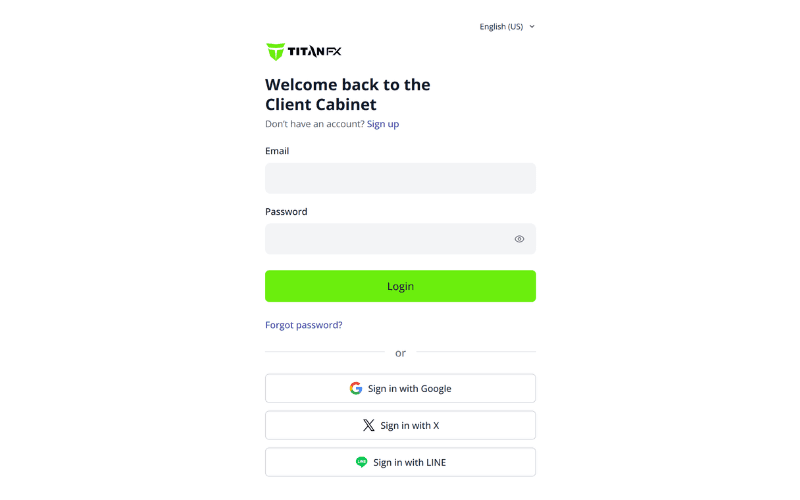
① Enter your email address and password to log in to the TitanFX Client Portal.
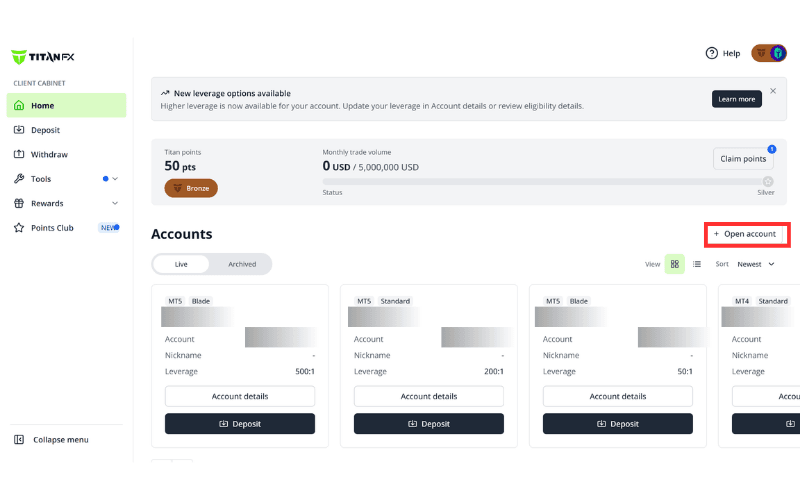
② Click "Open account" at the top right.
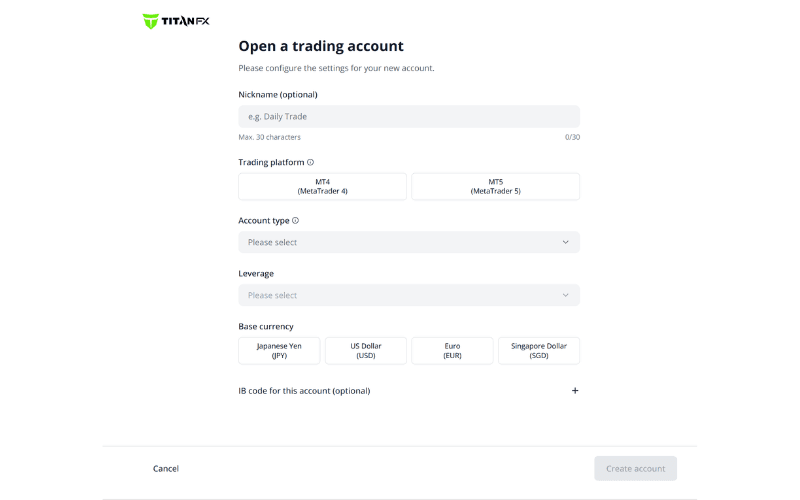
③ Set the account details. The following are required.
・Trading platform: select MT4
・Account type: Standard, Blade, Micro
・Leverage: up to 1000x
・Base currency: JPY, USD, EUR, SGD
Once you have finished, click "Create account".
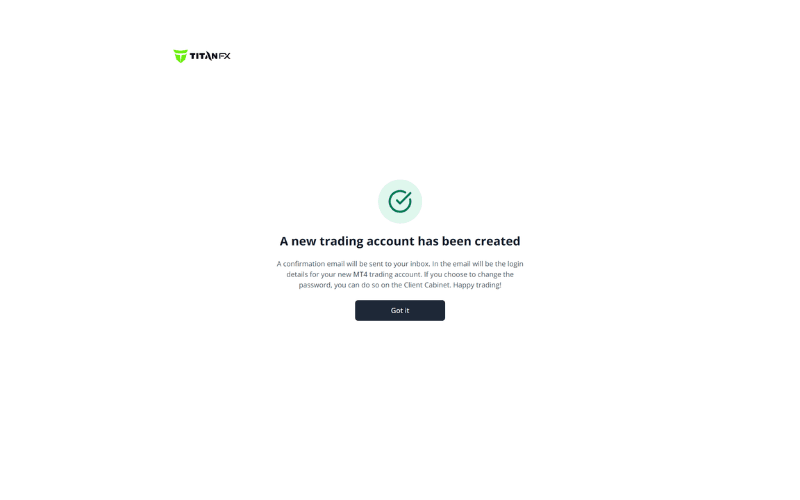
④ When the "A new trading account has been created" page appears, the account opening process is complete.
⑤ After a short while, you will receive an email about your new trading account, including the account number, password, and server address.
※ You can change the password to something easy to remember from within the Client Portal.